AI-generated illustration — not a retailer product photo.
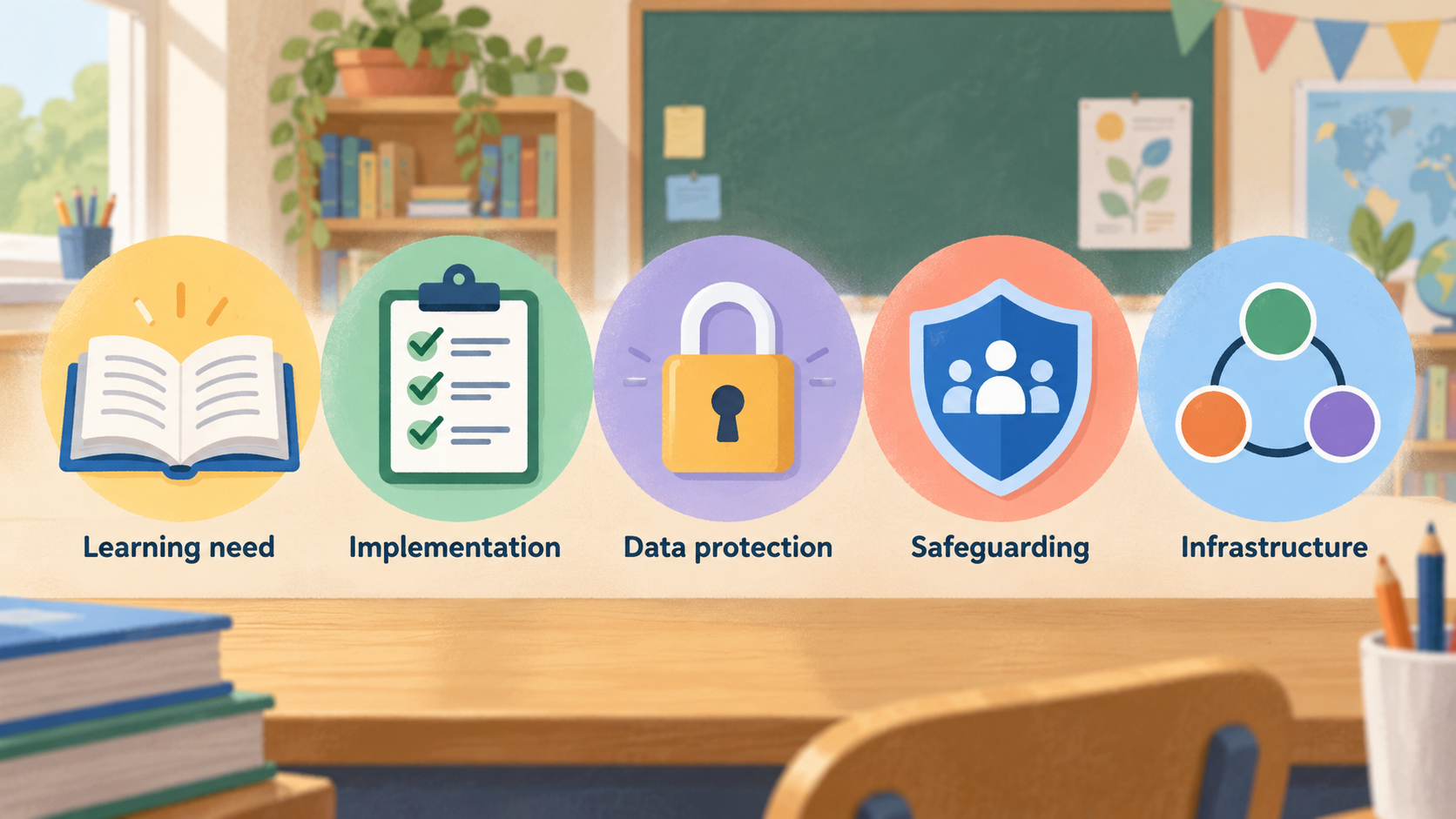
Choosing a classroom learning tool is less about finding the longest feature list and more about matching a clear learning need with safe, workable teaching practice. For UK schools, that means considering implementation, data protection, safeguarding and infrastructure alongside instructional value. Families can use the same basic logic, while recognising that a school’s governance duties are different.
Verdict: choose tools that strengthen teaching, practice and safe implementation
AI-generated illustration — not a retailer product photo.
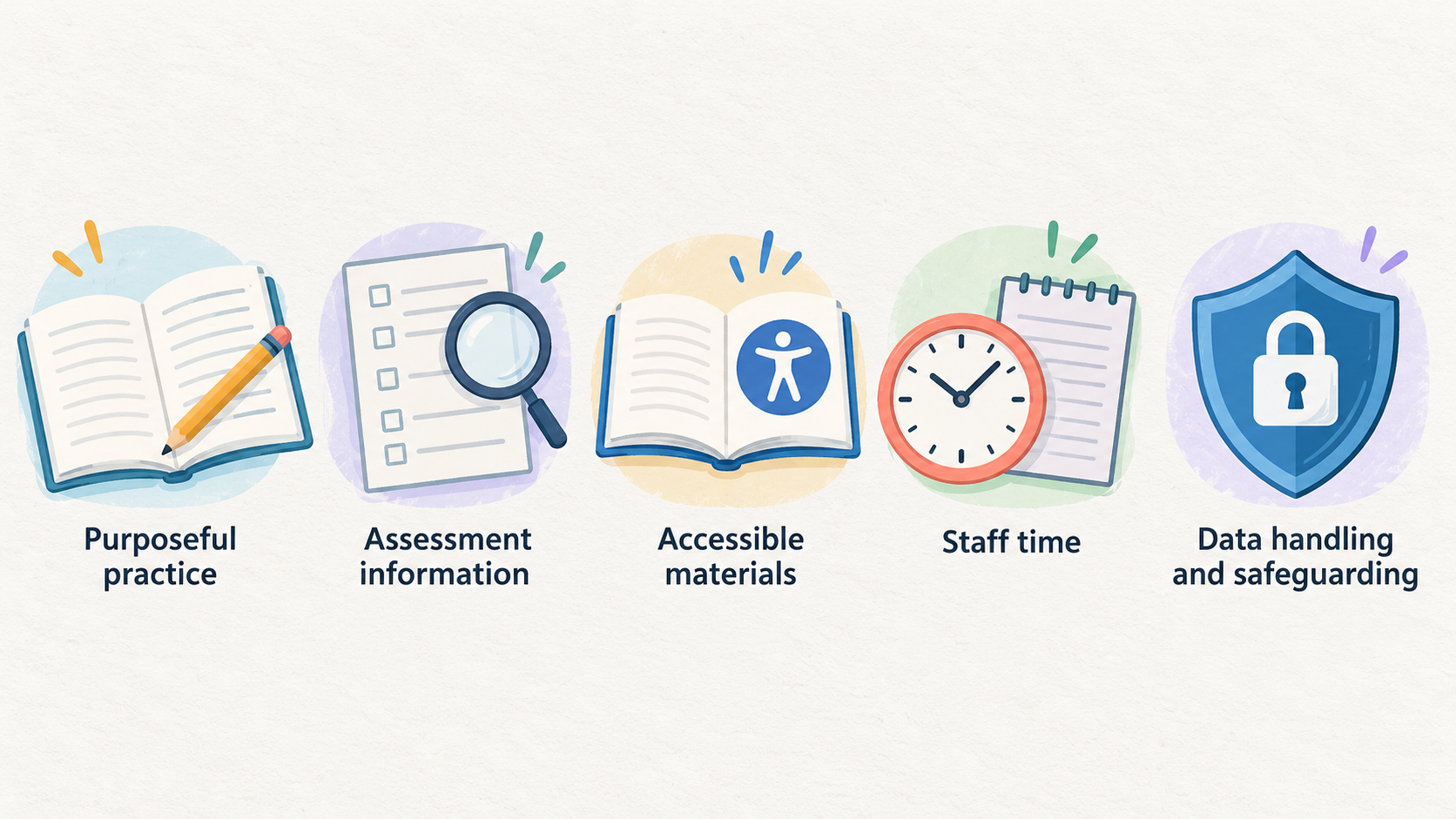
There is no universal “best” platform for every classroom. The strongest choice is one that improves a defined part of teaching or learning: for example, giving pupils more purposeful practice, helping a teacher gather more accurate assessment information, or making materials more accessible. The Education Endowment Foundation (EEF) frames digital technology as useful when it supports improved teaching, assessment or pupil learning, rather than as an intervention in its own right.
For schools, an apparently useful tool still needs to be feasible in the real setting. Staff time, device and connectivity access, pupil support needs, data handling and safeguarding all affect whether it will help. The Department for Education (DfE) advises education providers through guidance covering infrastructure, security, privacy, safeguarding, AI and buying technology. Start with the learning problem, then test whether a small, well-supported use of a tool improves it.
What counts as a classroom learning tool?
AI-generated illustration — not a retailer product photo.
This guide covers tools used to support learning in and around the K–12 classroom. They may help teachers plan or present instruction, give pupils practice, collect formative assessment information, provide feedback, improve access to materials, or support structured collaboration.
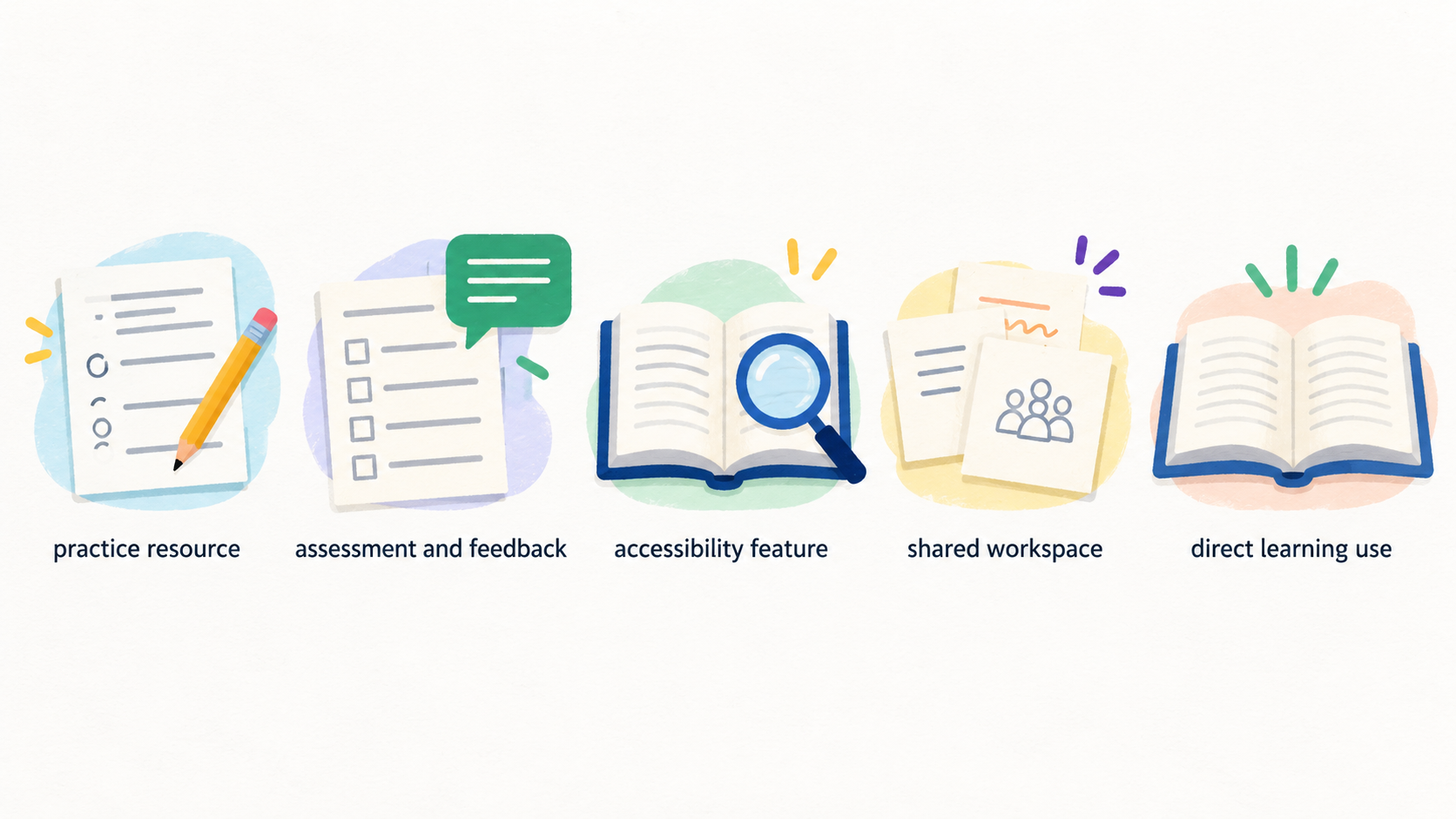
The category is deliberately broad. A classroom tool may be a focused practice resource, an assessment and feedback service, an accessibility feature, a shared workspace or a schoolwide platform with a direct learning use. What matters is the job it is expected to do in teaching and learning.
This is not a guide to choosing a computing curriculum, setting a screen-time policy or deciding whether children should use personal devices. Those are related questions, but the EEF’s digital-technology guidance likewise focuses on applications intended to improve learning directly rather than on coding, screen time or mobile-device debates.
The evidence principle: start with the learning problem
Begin with a question that can be observed: Are pupils getting enough high-quality retrieval practice? Is a teacher spending too long identifying misconceptions? Are some learners unable to access the same material without additional support? A tool is worth considering only if its proposed use offers a plausible improvement on the current approach.
The EEF’s guidance points to examples in which technology supports learning by improving the accuracy of teacher assessment or the quality and quantity of pupil practice. That is a useful test for buyers: describe the teaching mechanism before discussing the product. “It uses AI” or “it has analytics” is not a learning rationale by itself.
Then define what success would look like. It may be stronger completion of a practice sequence, more useful teacher insight, better access for a particular group of pupils, or a manageable reduction in avoidable workload. Use a comparison point—the existing routine, resource or platform—so that novelty is not mistaken for impact.
Strengths to look for in leading classroom tools
Look for a close fit between the classroom need and the tool’s primary function.
- Practice tools can be promising when they give pupils frequent, purposeful opportunities to practise and when teachers can see whether pupils are progressing. The relevant question is whether the activity improves the quality or quantity of practice, not how game-like the interface is.
- Formative assessment and feedback tools merit attention when they make it easier to identify misconceptions or gather usable information during teaching. The EEF specifically identifies improving the accuracy of teacher assessment as a route through which technology can support teaching.
- Accessibility and assistive-technology tools are most useful when they remove a defined barrier to accessing curriculum content or participating in learning. Schools should consider them as part of inclusive teaching, not as an afterthought.
- Collaboration or shared-workspace tools can help where a structured joint task, teacher visibility and clear routines are genuinely needed. They should not add another destination for pupils merely because a school already has access to them.
In each category, favour tools that can be embedded in an existing teaching sequence, can be explained clearly to pupils, and have a proportionate staff-training requirement. A strong teaching routine with a simple resource can be a better choice than a more elaborate platform that teachers cannot implement consistently.
Limitations, privacy and safeguarding checks
Technology cannot compensate for weak instructional design, unclear routines or insufficient support for staff and pupils. A promising tool may fail if it depends on devices, connectivity, accounts or training that the setting cannot provide reliably. Before purchase, identify these constraints and consider whether the learning goal can be met more simply.
Schools also have responsibilities that families do not carry in the same way. The DfE notes that changing technology use may require schools and colleges to modify how they meet data-management and safeguarding responsibilities. Its education-technology collection directs providers to standards and guidance on infrastructure, security, privacy, safeguarding, buying technology, AI and assistive technology.
A proportionate pre-use check should cover:
- what pupil, parent or staff data the service needs and why;
- whether the school can meet its data-protection responsibilities;
- age appropriateness, safeguarding controls and reporting routes;
- device, account, connectivity and accessibility requirements;
- how staff will supervise use and respond to misuse; and
- what happens to data and learning records if the trial ends.
Generative-AI features deserve a separate check. Do not assume that an AI label establishes educational value or safe handling of pupil information. Schools should use the relevant DfE AI and data-protection guidance as part of their review.
Evidence-led shortlist: top choices by classroom need
Rather than ranking brands without like-for-like evidence, use this shortlist of tool types to create a defensible starting set.
| Classroom need | Top choice to investigate | Best-fit use | Implementation checks | Consider an alternative when… |
|---|---|---|---|---|
| More independent practice | A focused practice tool | Pupils need additional, purposeful practice linked to taught content | Check task quality, feedback, teacher visibility and equitable access | Existing worksheets, books or teacher-led practice already meet the need well |
| Faster formative insight | An assessment and feedback tool | Teachers need clearer information about misconceptions during or after teaching | Check whether results are interpretable and fit the teaching routine | The tool produces data without changing next teaching steps |
| Better curriculum access | An accessibility or assistive-technology tool | A known access barrier prevents participation in ordinary materials | Check individual needs, compatibility and staff confidence | Adjusting the resource or classroom routine would remove the barrier more directly |
| Structured group work | A collaboration tool or shared workspace | Pupils need to create, discuss or review work together in a managed process | Check supervision, permissions, clear task design and login burden | A physical collaborative routine is simpler and equally effective |
| New AI-supported workflow | A bounded AI feature within an established learning process | Staff have a specific use case that can be supervised and evaluated | Check data protection, safeguarding, accuracy limits and staff oversight | The claimed benefit is vague, or a non-AI process is clearer and safer |
These are choices by job to be done, not claims that one product will outperform another in every setting. Ask suppliers and internal champions to show how the tool supports teaching, assessment accuracy or pupil practice in your own context. A shortlist should shrink when a tool fails a governance, access or implementation check.
Alternatives: when not to buy another platform
A new platform is not automatically the best response to a learning problem. If pupils need more practice, a well-designed teacher routine, paper resource, library provision or a feature already available in the school’s current environment may be more effective and easier to sustain. If teachers need better formative information, improving questioning, exit tasks or existing assessment workflows may be the right first move.
For schools, consider the total burden: subscription cost, procurement, training, account management, troubleshooting and support for families without reliable home access. A small change to an established platform can be preferable to introducing another login and another data processor.
For families, choose a resource that fits the child’s learning goal and can be used with appropriate adult awareness. Home use should complement, not compete with, school teaching. If the app mainly creates pressure, distraction or opaque progress scores, a simpler activity—reading together, practising a school-set task or asking the teacher for suitable resources—may be the better option.
How to choose and trial a tool
AI-generated generic editorial illustration — not a retailer product photo and does not depict the reviewed product or service. Make the recommended low-risk selection and trial process scannable before a buyer commits to a platform.
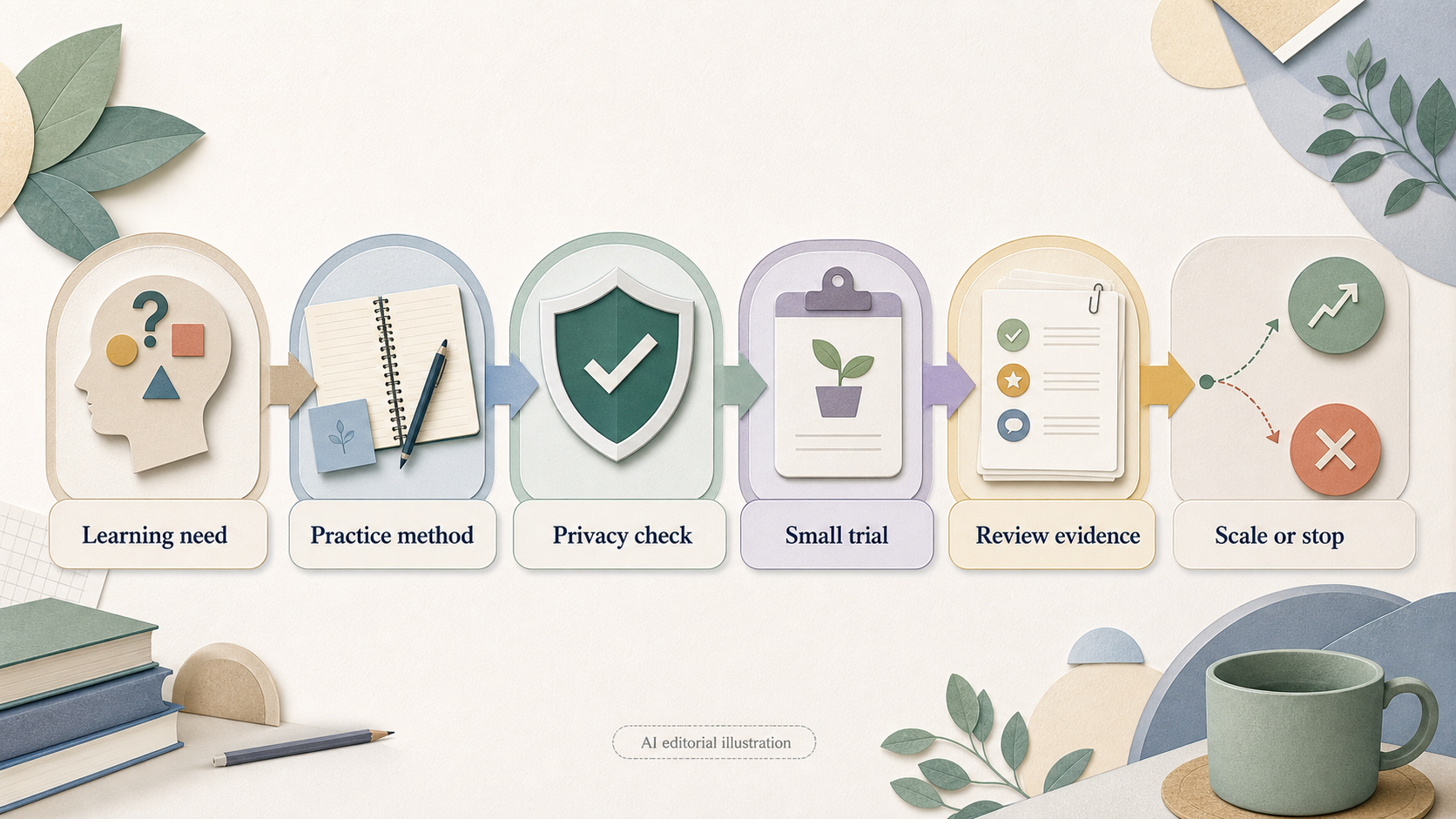 Use a short, evidence-led trial instead of committing from a product demonstration.
- Name the learning problem. State the pupil group, subject or classroom routine and the specific improvement sought.
- Describe the teaching mechanism. Explain how the proposed use should improve practice, assessment information or access to learning.
- Run governance and access checks. For schools, review data protection, safeguarding, AI use where relevant, infrastructure and accessibility before pupil use.
- Pilot on a manageable scale. Give staff a clear routine, appropriate support and enough time to use it consistently.
- Review evidence and workload. Compare the pilot with the previous approach using agreed indicators, teacher feedback and pupil experience.
- Scale, adapt or stop. Expand only where the tool meets the learning need without creating disproportionate risk or burden.
School leaders should lead procurement, information-governance and safeguarding decisions with relevant colleagues. Teachers should lead the judgment about classroom fit and whether the routine helps teaching. Families should focus on a child’s learning purpose, accessibility, privacy information and whether use remains constructive at home.
Best fit by buyer and setting
Teachers should begin with instructional fit: the learning problem, the teaching sequence, what pupils will do, and what information the tool returns. A tool that cannot be used consistently in a normal lesson is unlikely to deliver its promised value.
Senior leaders and school decision-makers should combine that instructional judgment with whole-school checks. The DfE’s technology guidance is relevant to infrastructure, security, privacy, safeguarding, procurement, AI and assistive technology. Leaders should ensure the pilot has a clear owner and a decision point rather than becoming an indefinite extra platform.
Families should use a lighter version of the same framework. Choose for a clear purpose, check whether the child can use it independently and accessibly, read the privacy information, and review whether it supports rather than displaces meaningful learning. A family does not need a complex procurement process, but should still be wary of vague claims and unnecessary data collection.
Frequently Asked Questions
How can a school tell whether a classroom tool is improving learning rather than adding workload?
Set a small number of indicators before the pilot: the learning routine to improve, what teachers expect to see, and what workload is acceptable. Compare the tool with the previous approach. The EEF’s framing is useful here: look for better teaching support, more accurate assessment information, or improved pupil practice—not merely more activity or more data.
What should UK schools check before using generative AI with pupils?
Start with the specific educational use, then assess data protection, safeguarding, age appropriateness, infrastructure and staff oversight. The DfE collection includes guidance on AI, data protection and safeguarding for education providers. A school should not introduce pupil use until it understands what information is processed and how staff will supervise outputs and misuse.
Can families use the same criteria when choosing a learning app for home?
Yes, in simpler form. Identify the child’s learning goal, decide how the app will support practice or access, check that it is appropriate and understandable, and review whether it is helping. Families should also read privacy information and avoid treating an app as a substitute for teaching, reading or communication with school.
Should a school run a pilot before buying a classroom platform?
Usually, yes. A bounded pilot makes it possible to test classroom fit, implementation burden, access, safeguarding and data-protection considerations before wider adoption. Give the pilot a stated success measure and a stop-or-scale decision so that a trial produces useful evidence rather than becoming an unreviewed commitment.
[Discuss your classroom-tool trial criteria]
Sources
Related reading
- BrainPOP vs BrightCHAMPS: which is the better fit
- BrainPOP review: strengths, limits, and alternatives
- How to choose K-12 classroom learning tools for your needs
- How K-12 classroom learning tools should fit, feel, and perform
Editorial information: About our editorial team · Read our editorial policy · Read our affiliate disclosure.