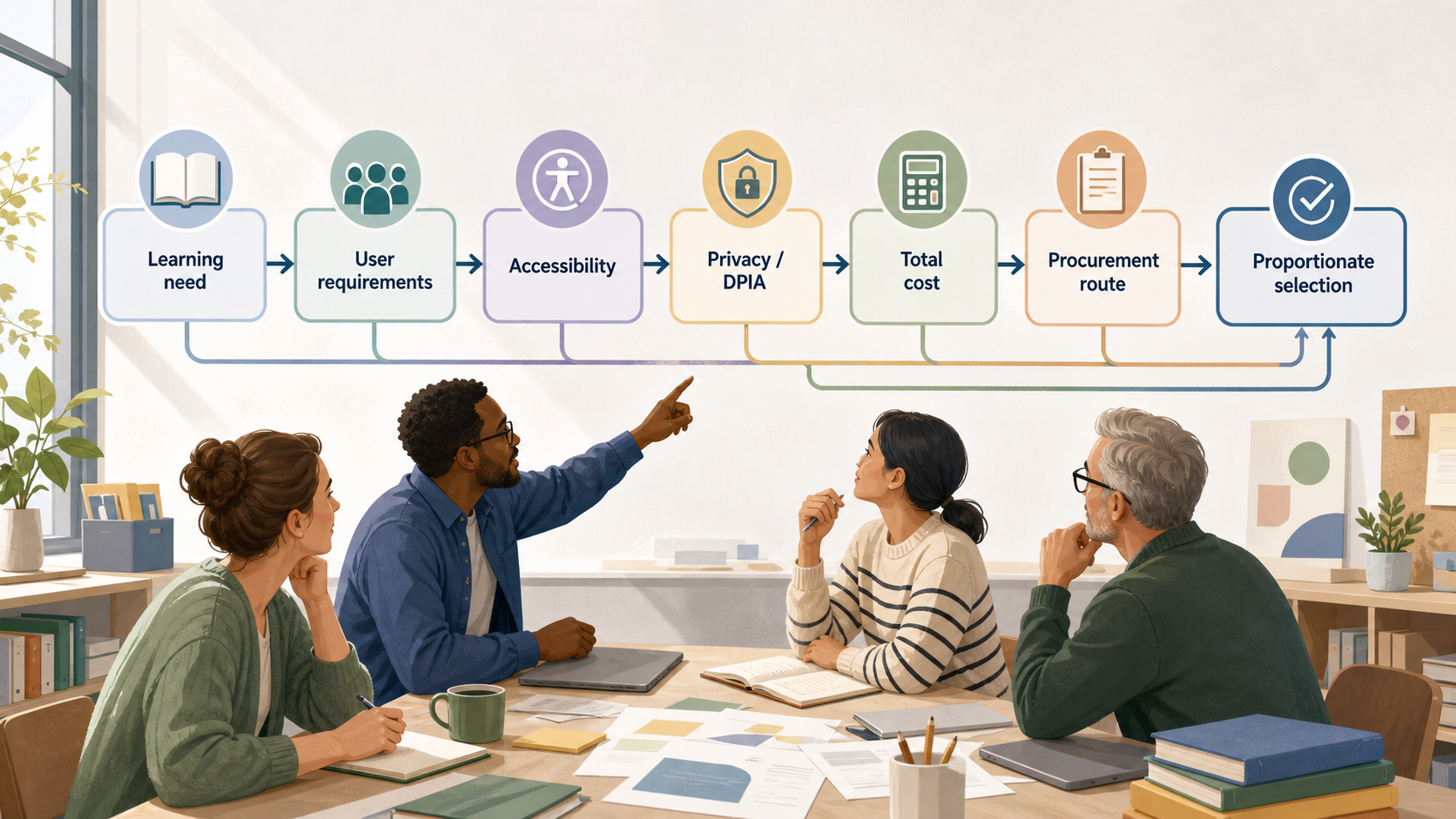
Start with the learning need, not the product
AI-generated illustration — not a retailer product photo.
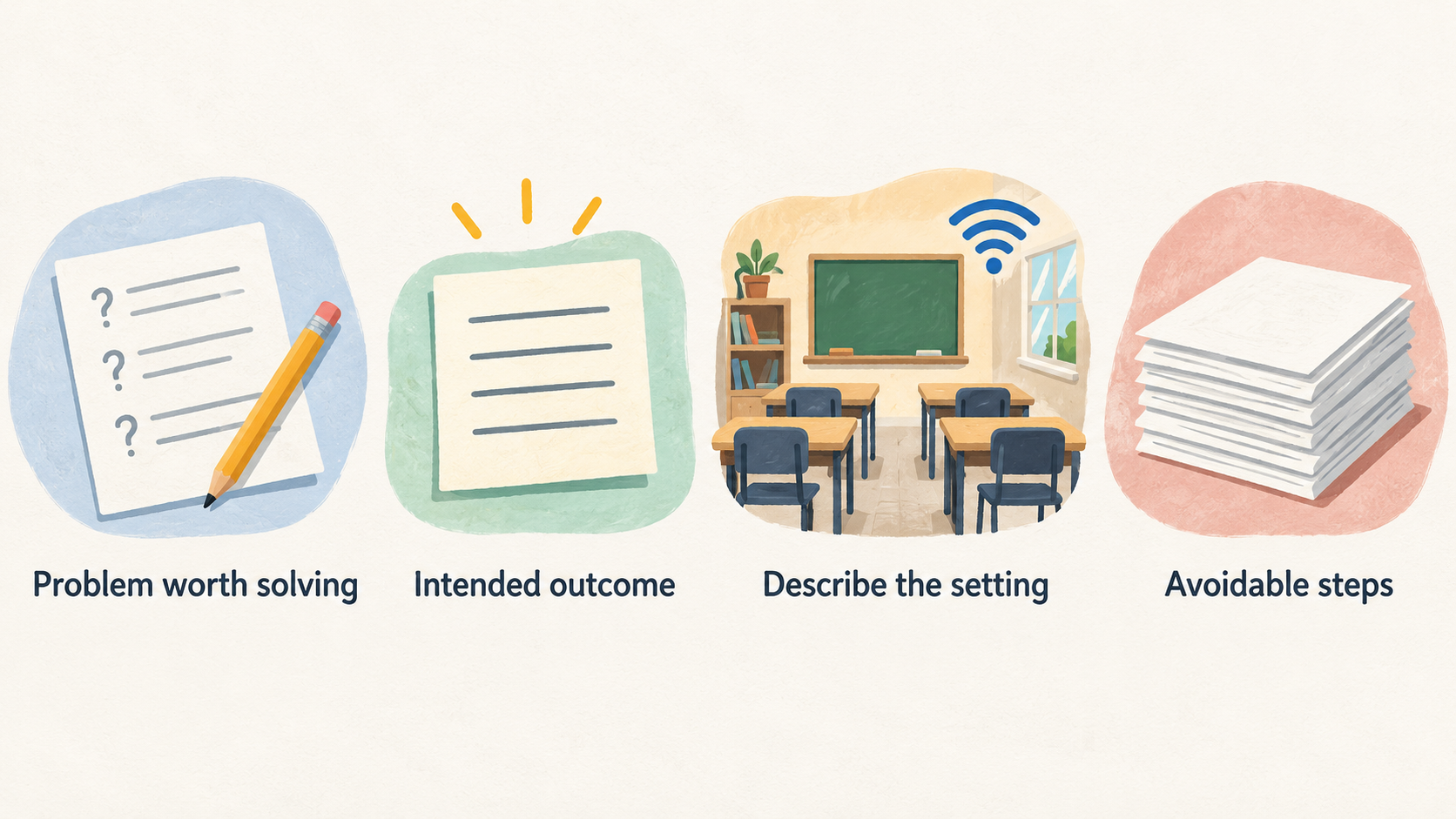
A good classroom-tool decision begins with a problem worth solving. It may be helping pupils practise a particular skill, making feedback more manageable, improving access to lesson materials, or supporting a routine at home. Write that intended outcome in plain language before looking at product pages.
Then describe the setting: age range, subject, group size, devices available, connectivity, adult support and the time people can realistically give to setup. A tool that looks promising in isolation can still be a poor fit if it adds avoidable steps, excludes some users or creates a support burden no one owns.
For a school, the decision also has to sit alongside safeguarding, privacy and buying responsibilities. Government guidance notes that digital education tools can support learning, communication and assessment, but that they commonly involve personal data about pupils, parents and staff. DfE EdTech data-protection guidance Treat the learning need as the anchor that keeps those checks proportionate.
For a family, the same starting point applies: identify what the child needs to do, what adult help is available and what would count as useful progress. The scale is different, but a feature list is not a decision.
Define who will use the tool and what they need to do
AI-generated illustration — not a retailer product photo.
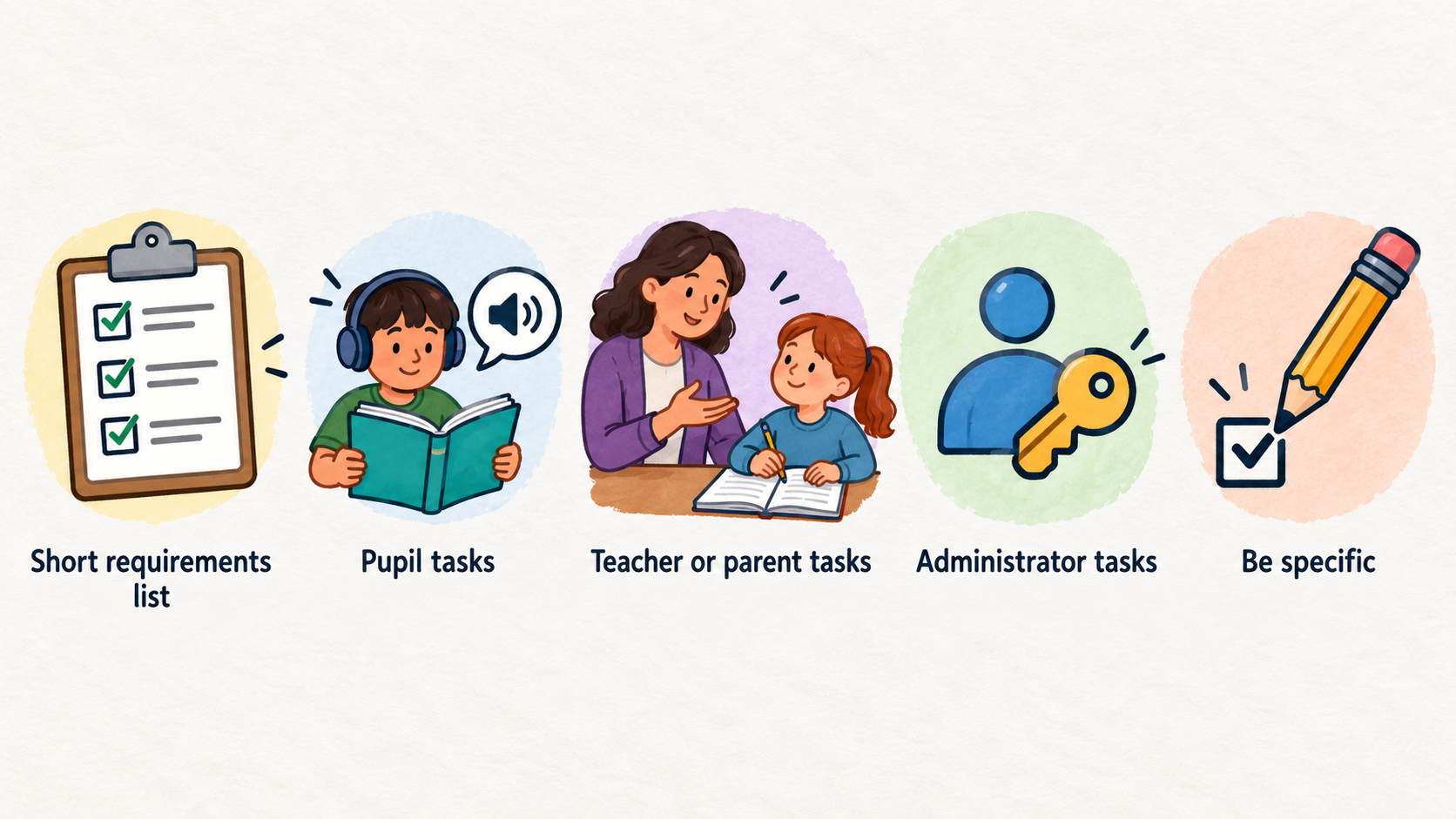
Turn the need into a short requirements list that can be compared across options. Include the pupil tasks, the teacher or parent tasks, and any administrator tasks such as account creation, reporting or managing permissions.
Be specific. Instead of “supports reading”, write “lets Year 5 pupils hear unfamiliar words, complete short independent practice and show where they need help”. Instead of “easy for teachers”, write “a teacher can set up a class, explain the first activity and review basic progress within the time available for the lesson”.
Consider the users who may be missed by a default workflow: pupils sharing devices, learners who need alternatives to dense text or audio, staff with limited training time, and parents who may need simple instructions. Separate essential requirements from desirable extras. That distinction prevents an attractive non-essential feature from outweighing a missing core need.
Use the same questions for every shortlisted tool. A consistent brief makes trade-offs visible, gives colleagues or family members something concrete to review, and makes later renewal decisions easier to revisit.
Assess learning fit, usability and accessibility
Ask how the tool contributes to the learning activity rather than whether it has many features. Does it help pupils practise, create, discuss, receive feedback or access materials in a way that fits the lesson? Can the adult still see what pupils are doing and intervene when needed? Is there a sensible way to tell whether the intended outcome is being met?
Next, test the ordinary journey. A pupil should be able to find the right activity, understand the first action and recover from a mistake. A teacher or parent should be able to set boundaries, explain expectations and see enough information to offer help. Try this on the devices and network that will actually be used, not only in a demonstration.
Accessibility should be part of the core fit check. Look at reading load, contrast, keyboard use, captions or transcripts where relevant, control over sound and pace, and whether instructions work for the intended age group. Ask what alternatives exist when a pupil cannot use a particular input, output or account flow. Include the people most likely to need adjustments in the evaluation itself.
Record what you observed, the conditions of the test and the users involved. This is more useful than a general impression of “easy to use”, and it shows which issues need resolving before wider use.
Check privacy, safeguarding and data governance
Before a school adopts a tool, map the data it would use: who supplies it, which accounts are created, what information pupils or adults enter, where it goes and who can access it. Most EdTech tools collect and use personal data about pupils, parents and staff, so schools must ensure that processing complies with data-protection law. DfE EdTech data-protection guidance
Bring the Data Protection Officer into the conversation at the start and throughout implementation. The DfE guidance says schools should consider data-protection implications when procuring goods and services and consult their DPO from the very beginning. Ask the provider clear questions about purposes, data flows, roles, retention, security, support access and how the school can manage or end the service.
Check whether the proposed use requires a data protection impact assessment (DPIA). The DfE guidance explains that a DPIA must be completed in specified circumstances; the DPO can help determine the appropriate route for the planned processing. Do not treat a provider’s statement as a substitute for the school’s own assessment of its use.
Privacy by design and by default is a practical buying test: seek the minimum data necessary for the purpose, non-core features off by default, and safeguards built in from the outset. Safeguarding leads should also review how users communicate, share work, report concerns and receive support within the proposed setup.
Compare total cost, implementation effort and buying route
AI-generated generic editorial illustration — not a retailer product photo and does not depict the reviewed product or service. Make the multi-factor comparison criteria scannable before a school commits to a tool.
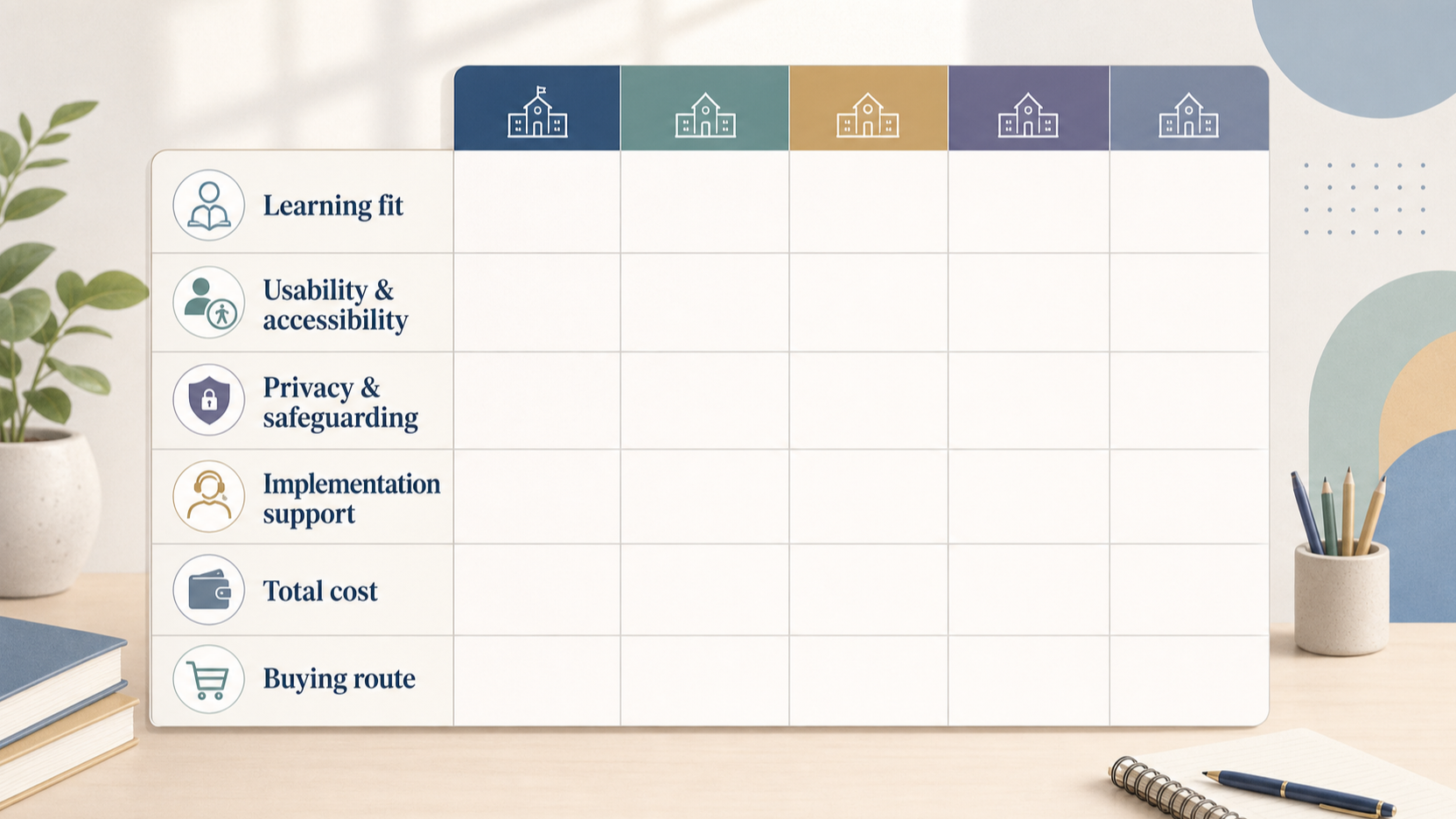 The price shown on a quotation or app store page is only one part of the decision. List the whole-life costs: licences or subscriptions, devices, accessories, connectivity, staff time, training, onboarding, technical support, renewals, contract management and the effort needed to move away later if necessary. A lower initial price may not be the lower-cost option once implementation is included.
Compare these costs against the requirements you wrote down. Note dependencies such as browser support, identity systems, parental consent processes, classroom layout or minimum numbers of licences. Also state who will lead the rollout, answer day-to-day questions and monitor whether the tool is still being used as intended.
For schools, the buying route depends on the amount being spent and the school’s own procurement rules. DfE guidance says schools should prepare for procurement, write a specification, and choose an appropriate route; possible routes include permitted framework agreements, catalogues, quotes and competitive processes depending on value and rules. DfE school buying procedures Check local governance requirements before committing to a supplier or term.
A family can use the same whole-life-cost lens without a formal procurement exercise: compare ongoing charges, cancellation terms, device needs and the adult time needed to keep the tool useful.
Test implementation and support before committing
A small, planned test is usually more informative than a long list of promises. Choose a realistic class, group or home routine, define the intended use and set a short review point. Make sure participants know what support is available and how to report a problem.
Test the operational details: account setup, password or access recovery, device compatibility, teacher controls, parent communication, help materials and what happens when connectivity fails. Include the people who will carry the ongoing work, not only the people who selected the tool.
Decide in advance what evidence will support a wider rollout. This might include whether pupils can complete the intended activity, whether staff can run it within normal preparation time, whether accessibility adjustments work, and whether support requests are manageable. Keep the test proportionate to the decision: a family may use a short home trial, while a school may need documented approval, governance checks and an implementation plan.
If key requirements are not met, record the reason rather than trying to compensate with more training or informal workarounds. That record makes the final choice easier to explain and improves the next selection.
Use a proportionate selection process
Use a repeatable sequence so that the final choice can be explained:
- Define the learning outcome, users, non-negotiable requirements and constraints.
- Create a shortlist against those requirements rather than against marketing claims.
- Review the proposed data use, safeguarding arrangements and responsibilities with the right school leads; involve the DPO early for school use.
- Compare whole-life cost, implementation effort, support and the suitable buying route.
- Run a proportionate trial or review, with success measures agreed in advance.
- Record the decision, the trade-offs accepted, owners, renewal date and review date.
For school procurement, a written specification is a useful bridge between the need and the supplier conversation. DfE buying guidance describes it as the document that explains what the school wants to buy and directs schools to select a buying route appropriate to value and local rules. DfE school buying procedures
A family can simplify the process to a one-page checklist: child’s goal, devices and access needs, data and account questions, total ongoing cost, trial result and a date to decide whether to continue. The core principle is unchanged: choose on demonstrated fit in context, then revisit the decision when needs or conditions change.
[Primary CTA: Use the school tool-selection template]
Frequently Asked Questions
Should a school choose a free classroom learning tool before a paid one?
Not automatically. Compare both against the same learning, usability, accessibility, privacy, support and whole-life-cost requirements. “Free” can still involve personal data, staff time, device needs or limits that make it unsuitable for the intended use. For school use, apply the relevant data-protection and governance checks before adoption.
Do schools need to involve their Data Protection Officer when adopting EdTech?
The DfE advises schools to consult their DPO at the very start and throughout implementation when procuring goods and services. This helps the school assess the planned processing, including whether a DPIA is required in the circumstances. DfE EdTech data-protection guidance
How long should a classroom-tool trial last before a decision?
Long enough to test the intended routine, ordinary setup and support needs, but no longer than necessary to answer the agreed questions. Set success measures and a review date before starting. If the school needs a formal procurement or governance process, fit the trial into that process rather than treating it as a substitute for it.
Can a family use the same selection criteria as a school?
Yes, in a lighter form. Start with the child’s learning goal, usability and access needs, account and data questions, ongoing cost and the adult support required. Families do not follow a school procurement route, but they can still make a clearer decision by testing the tool in the conditions where it will be used.
Related reading
- Best K-12 classroom learning tools: evidence-led top choices
- BrainPOP vs BrightCHAMPS: which is the better fit
- Brighterly review: practical buying assessment
- How K-12 classroom learning tools should fit, feel, and perform
Editorial information: About our editorial team · Read our editorial policy · Read our affiliate disclosure.