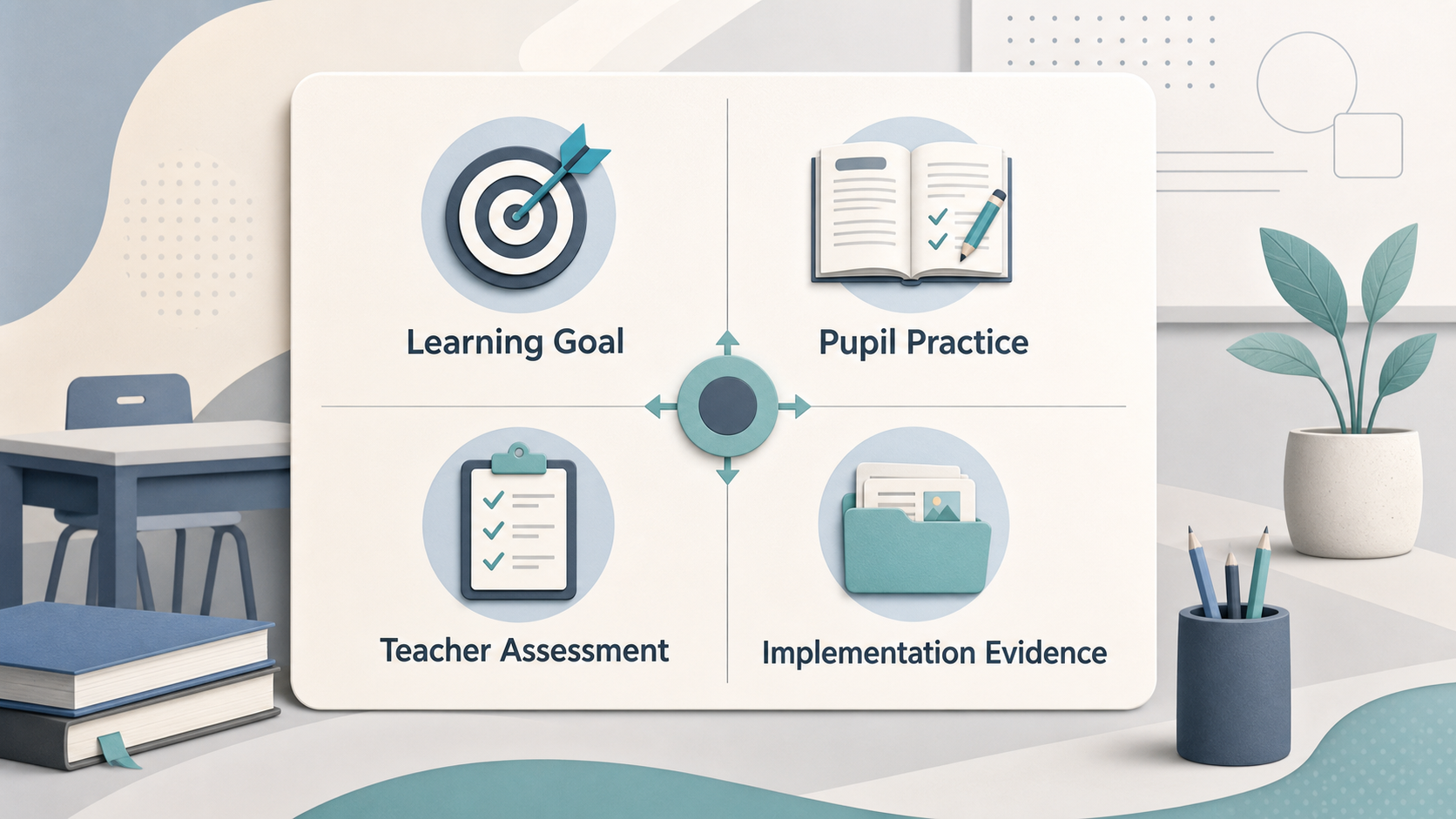
A classroom learning tool earns its place when it helps pupils make progress towards a clear learning goal, rather than simply adding another digital activity. This guide is for UK teachers, school leaders and families comparing tools for K-12 classroom learning. It is a framework for asking better questions, not a product ranking or a claim of independent testing.
What Practical Fit Means
AI-generated illustration — not a retailer product photo.
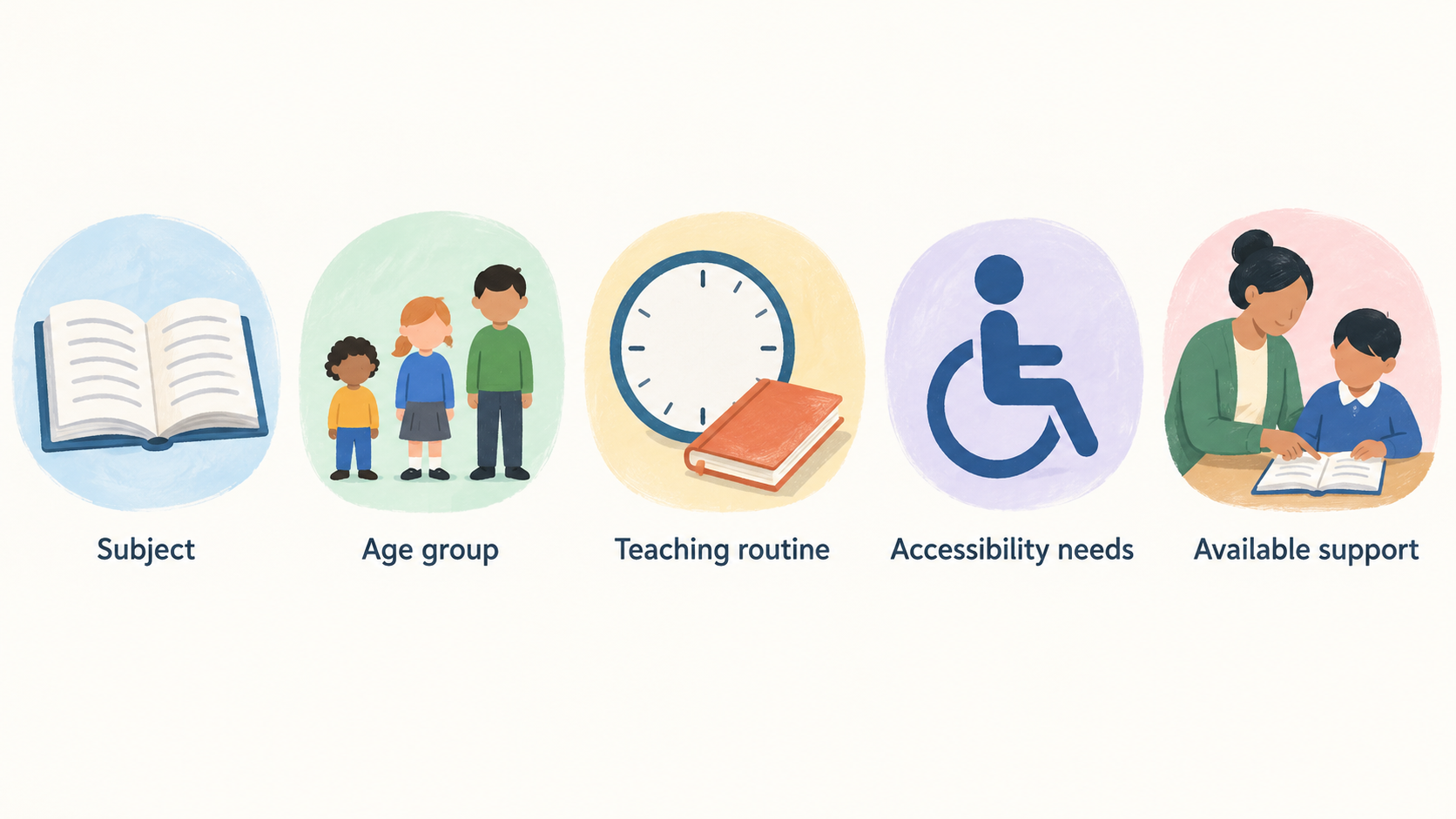
Practical fit is the meeting point between a tool, a learning objective and the conditions in which people will use it. A promising tool may support a particular kind of pupil practice or help a teacher assess understanding more accurately. It still needs to fit the subject, age group, teaching routine, accessibility needs and available support in the setting.
The Education Endowment Foundation (EEF) advises schools to make better-informed decisions about digital technology used directly to improve learning. Its guidance distinguishes such uses from broader administrative or behaviour-management uses, and gives examples including better teacher assessment and better-quality or more frequent pupil practice. Read the EEF digital-technology guidance.
For a school, practical fit also includes delivery capacity: devices and connectivity, staff time, training, support arrangements, privacy and safeguarding responsibilities. The Department for Education (DfE) groups its technology guidance around infrastructure, security, privacy, safeguarding, buying technology, AI, assistive technology, and evidence and research. Explore the DfE collection.
A useful evaluation therefore asks not “Is this tool good?” but “What learning work is it meant to improve here, and can we use it well enough to find out?”
Start With Learning, Not Features
AI-generated illustration — not a retailer product photo.
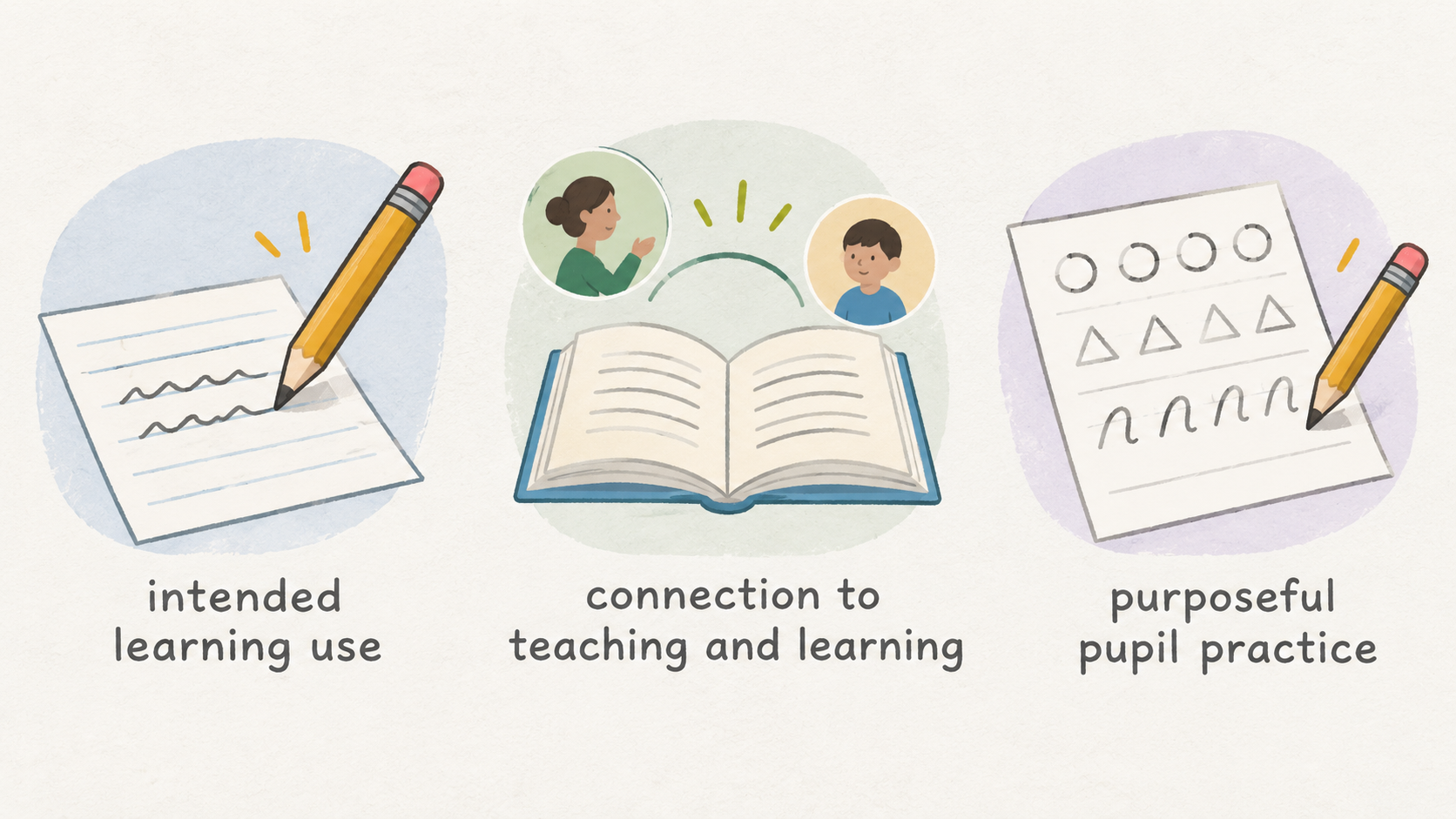
Begin with a sentence that describes the intended learning use. For example: “Year 6 pupils will use this to practise retrieving key vocabulary and receive feedback that helps them choose what to revisit.” That statement gives teachers something concrete to test. A feature list does not.
Then ask whether the proposed activity has a plausible connection to teaching and learning. Does it increase the quality or quantity of purposeful pupil practice? Does it give the teacher information that can inform the next teaching move? Does it support an established classroom approach, or create work that has no clear place in the lesson?
The EEF guidance is helpful here because it focuses on digital applications intended to improve learning directly. It does not suggest that technology is beneficial merely because it is digital. Instead, it points schools towards the way technology is used—for example, to support assessment or pupil practice. EEF guidance.
Ask vendors and colleagues for evidence that is relevant to the exact use case, not only for general claims about engagement or innovation. Evidence about a different subject, age range, delivery model or outcome may be informative, but it is not proof that the same result will occur in your classroom.
A quick alignment check can help:
- Name the curriculum objective and the pupil action the tool should support.
- Identify what the teacher will see, do or change as a result.
- Decide what a useful session looks like for pupils who need more support as well as those who move quickly.
- Remove features that do not contribute to the intended learning work.
This keeps the tool in service of teaching rather than asking teaching to adapt around the tool.
What Good Classroom Performance Looks Like
Good classroom performance is observable in routines, not just in a demonstration. Pupils should be able to start the relevant learning activity with an appropriate level of support, understand what they are practising, and make use of feedback or guidance in the task. Teachers should be able to see enough to judge progress, spot misconceptions and decide what to do next.
In many settings, useful signs include focused pupil practice, feedback that is timely enough to act on, and an interface that does not make routine classroom management harder. A tool can also be valuable when it improves the accuracy or usefulness of teacher assessment information. These are examples of possible educational uses identified in the EEF guidance, not universal benefits that every product will deliver. EEF guidance.
Look at the full teaching sequence. Consider how pupils join an activity, what happens when they are stuck, how the teacher intervenes, how work is reviewed, and what happens next lesson. A tool that works only when an adult gives constant individual technical help may not fit a normal class routine. Equally, a simple tool may be effective if it enables a well-designed practice activity reliably.
Inclusion belongs in this review. Check whether pupils with different access needs can take part meaningfully, whether teachers can adjust the task, and whether alternatives are available when a device or account is unavailable. The DfE technology collection includes assistive technology alongside its broader implementation guidance, reinforcing that technology decisions should consider more than the average user. DfE technology guidance.
The strongest local signal is not that pupils enjoy using a screen; it is that the tool supports a clear learning routine without obscuring the teacher’s judgement or excluding pupils from the intended activity.
Limits and Friction to Check Early
A sensible classroom tool can still fail in use when the implementation burden is too high. Teacher preparation time, account setup, password recovery, device availability, connectivity, technical reliability and support routes all affect whether a routine survives beyond an initial trial.
Friction can also be educational. If pupils spend substantial time navigating, waiting, competing for attention or responding to prompts unrelated to the learning aim, the activity may displace more useful practice. Teachers should therefore observe what pupils and adults actually do during a lesson, rather than assuming that intended use and actual use are the same.
Training matters because a tool may require teachers to interpret information, adapt tasks or manage a new routine. A brief product induction is not necessarily enough to establish these practices. Build time to test the workflow with real curriculum materials and to agree how staff will respond when common problems arise.
Uneven access deserves early attention. Home access, shared devices, accessibility requirements and classroom layout may change who can participate and how. The right response may be to adapt the use case, provide a non-digital route, limit the pilot or decide not to proceed.
The EEF guidance supports a focus on how technology is used to improve learning, while the DfE collection recognises that infrastructure, standards, buying and safeguarding are part of education-technology implementation. EEF guidance DfE technology guidance.
Do not treat these checks as reasons never to try technology. Treat them as conditions that determine whether a promising use can be delivered responsibly and consistently.
Check Safety, Data and School Readiness
Before pupils use a tool, establish whether the school can use it within its own policies and obligations. The DfE notes that changing technology use may require schools and colleges to modify how they fulfil data-management and safeguarding responsibilities. Its collection also links to guidance on data protection in schools, generative AI and data protection, device safeguarding, and digital and technology standards. DfE technology guidance.
Start with practical questions. What information about pupils, staff or families will be collected? Why is each category needed? Who can access it, where is it stored, how long is it retained, and what happens when a pupil or school stops using the service? Ask how accounts are administered, how permissions are managed, and how the supplier handles security incidents and support requests.
For AI-enabled functions, define the proposed use before assessing it. Check whether pupils can submit personal or sensitive information, whether outputs may influence teaching or assessment decisions, how errors or inappropriate content are handled, and what adult oversight is expected. Do not assume that a supplier’s statement replaces the school’s own data-protection or safeguarding assessment.
Readiness also covers the technical environment. The DfE says its digital and technology standards can help schools make more informed technology decisions and support safer, more cost-efficient practices and learning opportunities. Check device and network requirements, identity and access arrangements, support ownership, accessibility needs and contingency arrangements before committing to a rollout. DfE technology guidance.
This guide is general information, not legal or data-protection advice. Schools should use current DfE guidance and their own responsible staff or advisers when determining what applies to a particular procurement or classroom use.
Use a Small, Measurable Pilot
AI-generated generic editorial illustration — not a retailer product photo and does not depict the reviewed product or service. Make responsible adoption concrete by connecting school readiness checks to a small, measurable pilot.
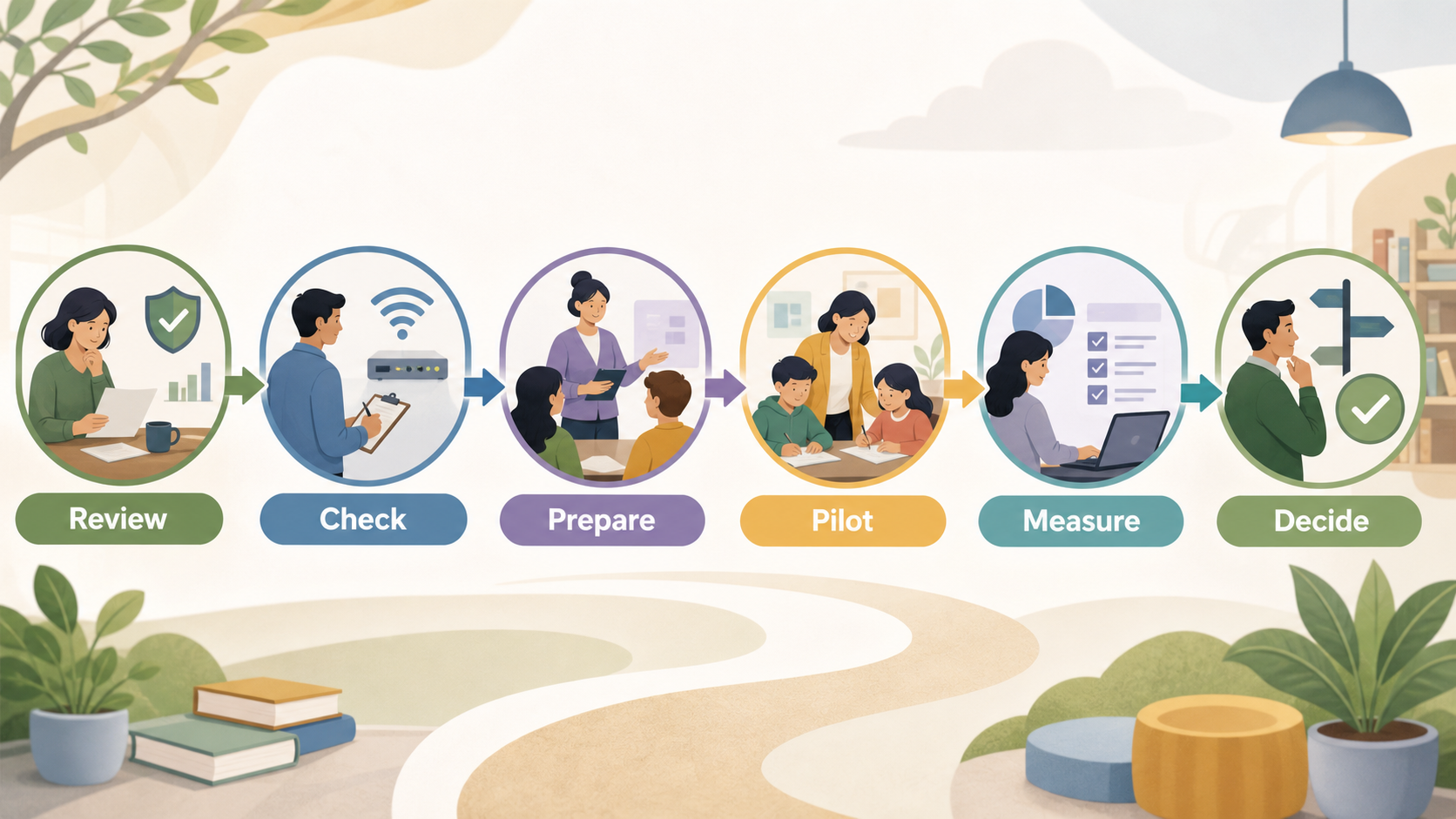 A bounded pilot turns a shortlist into a decision process. Start by defining one use case, such as a particular class, topic, age range and learning routine. Agree what the tool is meant to support, what staff will need, which pupils will take part, how long the trial will run and what would make the trial useful enough to continue.
Inspect the available evidence and the practical requirements before pupils begin. The EEF guidance is designed to help schools make better-informed decisions from the best available evidence and highlights uses such as improving teacher assessment or pupil practice. Use that perspective to ask whether the proposed trial is testing a credible learning use, rather than only testing whether the product can be operated. EEF guidance.
During the trial, collect information from more than one viewpoint. Teachers can record setup time, reliability, fit with the lesson and whether the information or feedback was actionable. Pupils can describe whether instructions were clear and what helped or blocked their learning. Leaders can monitor access, support demand, data and safeguarding issues, and whether the conditions for safe use remained in place.
Set modest, observable measures in advance. These might include completion of the intended practice, the teacher’s ability to identify misconceptions, the amount of lesson time lost to setup, participation across the class, and whether the routine can be repeated without exceptional support. Local observations can show whether the tool fits this setting; they do not by themselves establish independent efficacy.
At the end, decide explicitly: adapt the use, extend the pilot, scale carefully or stop. The DfE’s coverage of infrastructure, privacy, safeguarding, purchasing and evidence supports keeping those considerations alongside the learning question throughout the decision. DfE technology guidance.
A Decision Checklist for Buyers
Compare options side by side using the same questions. Different schools can reasonably make different decisions because their pupils, curriculum, staffing, infrastructure and policies differ.
- Learning fit: Is there a defined learning objective and a clear pupil activity?
- Teaching workflow: Can teachers use the feedback, assessment information or activity within ordinary lesson routines?
- Pupil access: Can all intended pupils participate, with appropriate accessibility and contingency arrangements?
- Evidence: Is the available evidence relevant to the proposed use, and what remains to be tested locally?
- Safety and data: Have privacy, safeguarding, account management and AI/data questions been reviewed against current school practice and DfE guidance?
- Technical support: Are device, network, login, support and reliability requirements understood?
- Implementation effort: Is there realistic capacity for setup, training, curriculum preparation and ongoing review?
The EEF provides an evidence-informed lens on using digital technology to improve learning, while the DfE collection provides current guidance and standards across implementation areas. Use both as starting points, then document the local evidence behind a buying, renewal or stop decision. EEF guidance DfE technology guidance.
Frequently Asked Questions
How can a school tell whether a classroom tool supports learning rather than simply adding screen time?
Start with the learning objective and the pupil practice the tool is meant to support. Observe whether it improves a meaningful part of teaching or learning—for example, the quality or quantity of practice, or the usefulness of teacher assessment information. The EEF guidance focuses on digital applications intended to improve learning directly, rather than treating digital use itself as the outcome. EEF guidance.
Should teachers pilot a learning tool before committing to a school-wide purchase?
A small, defined pilot is often a practical way to test local fit. It can reveal setup demands, access issues, teacher workflow, pupil understanding and support needs before a wider commitment. Keep local observations distinct from independent evidence: a pilot can inform whether the tool works in your setting, but it does not prove a general effect.
What data-protection and safeguarding questions should schools ask about AI-enabled classroom tools?
Ask what data is collected, why it is needed, who can access it, how long it is retained, how users are managed, and how incidents are handled. For AI functions, clarify what pupils can submit, how inappropriate or inaccurate outputs are managed, and what adult oversight is required. The DfE collection links current guidance on technology, data protection, safeguarding and generative AI in schools; apply it with the school’s own policies and responsible advisers. DfE technology guidance.
Use the same questions at renewal as at purchase. A tool that once fit may need a fresh decision when curriculum use, staff capacity, technology, supplier terms or school guidance changes.
Explore the school technology evaluation guide
Related reading
- Best K-12 classroom learning tools: evidence-led top choices
- BrainPOP review: strengths, limits, and alternatives
- How to choose K-12 classroom learning tools for your needs
- When to buy K-12 classroom learning tools for better value
Editorial information: About our editorial team · Read our editorial policy · Read our affiliate disclosure.