BrightCHAMPS presents an online, skills-focused learning offer for children spanning technical, academic and practical subjects. For UK schools and families, the sensible question is not simply whether the platform looks broad, but whether its course, teaching and safeguarding arrangements fit a particular child or setting. This guide separates what BrightCHAMPS says it provides from the points buyers should confirm directly before enrolling.
BrightCHAMPS at a Glance
AI-generated illustration — not a retailer product photo.
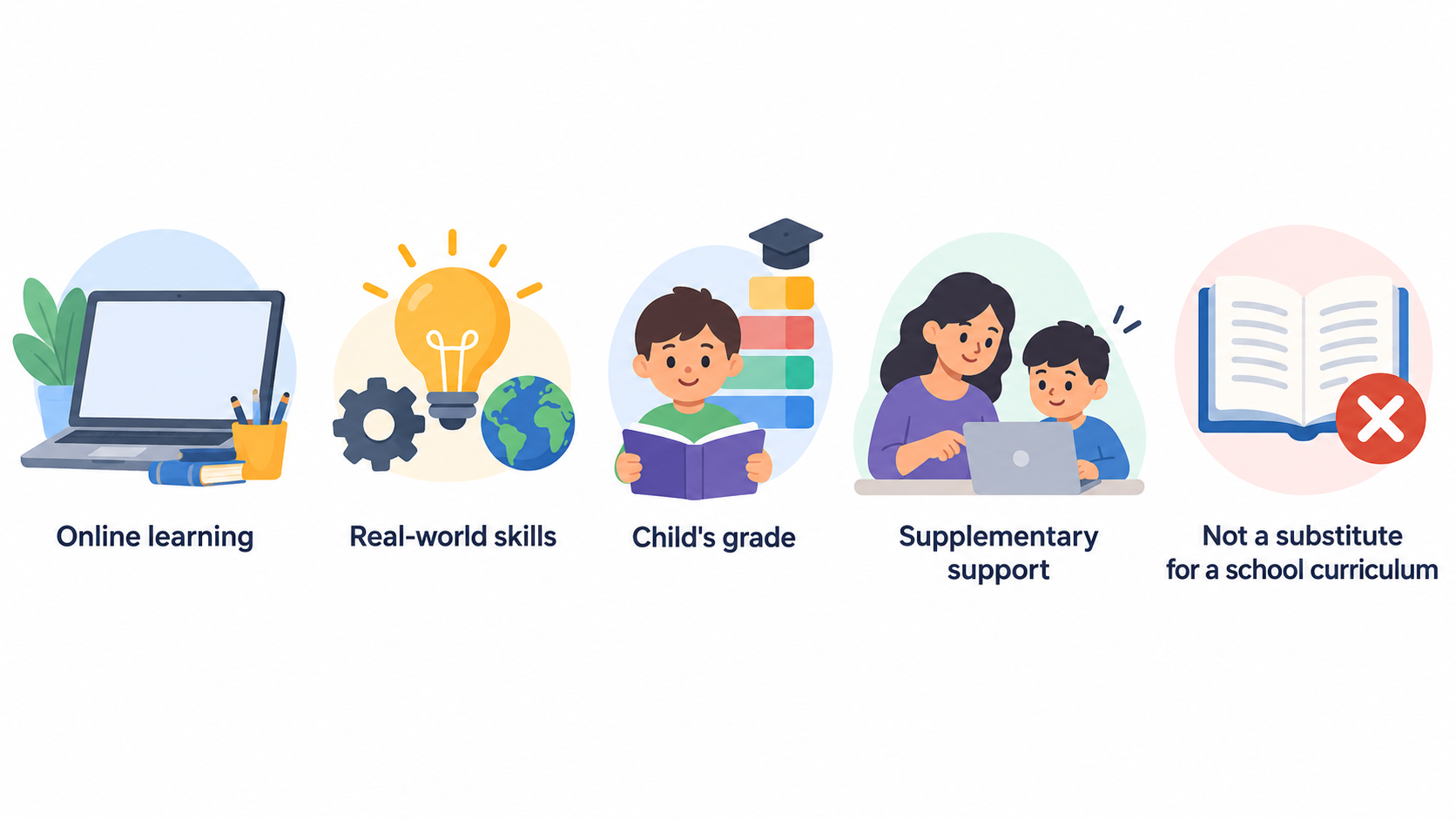
BrightCHAMPS is an online learning provider that markets programmes for children across Coding, Robotics, Financial Literacy, Gen AI, Math, English and Science. Its UK-facing site frames these as “skills for success”, with an emphasis on confidence, creativity and real-world skills.
The provider’s course selector is organised by a child’s grade and lists subject pathways within that structure. That may make it relevant to families looking for an extracurricular online class and to educators exploring supplementary digital-skills or subject support. It is not, on the supplied evidence alone, a substitute for a school curriculum, an assessment system or a full classroom platform.
BrightCHAMPS also advertises a free demo. A demo can be useful as an initial discovery step, but it should be treated as an opportunity to test practical fit rather than proof that a programme will meet every learner’s needs.
For a UK buyer, the strongest starting point is to identify a specific learning goal: for example, introductory coding confidence, a robotics interest, maths practice or communication skills. Then compare the stated course pathway with the child’s age, prior knowledge, timetable and support needs.
Who BrightCHAMPS May Suit
AI-generated illustration — not a retailer product photo.
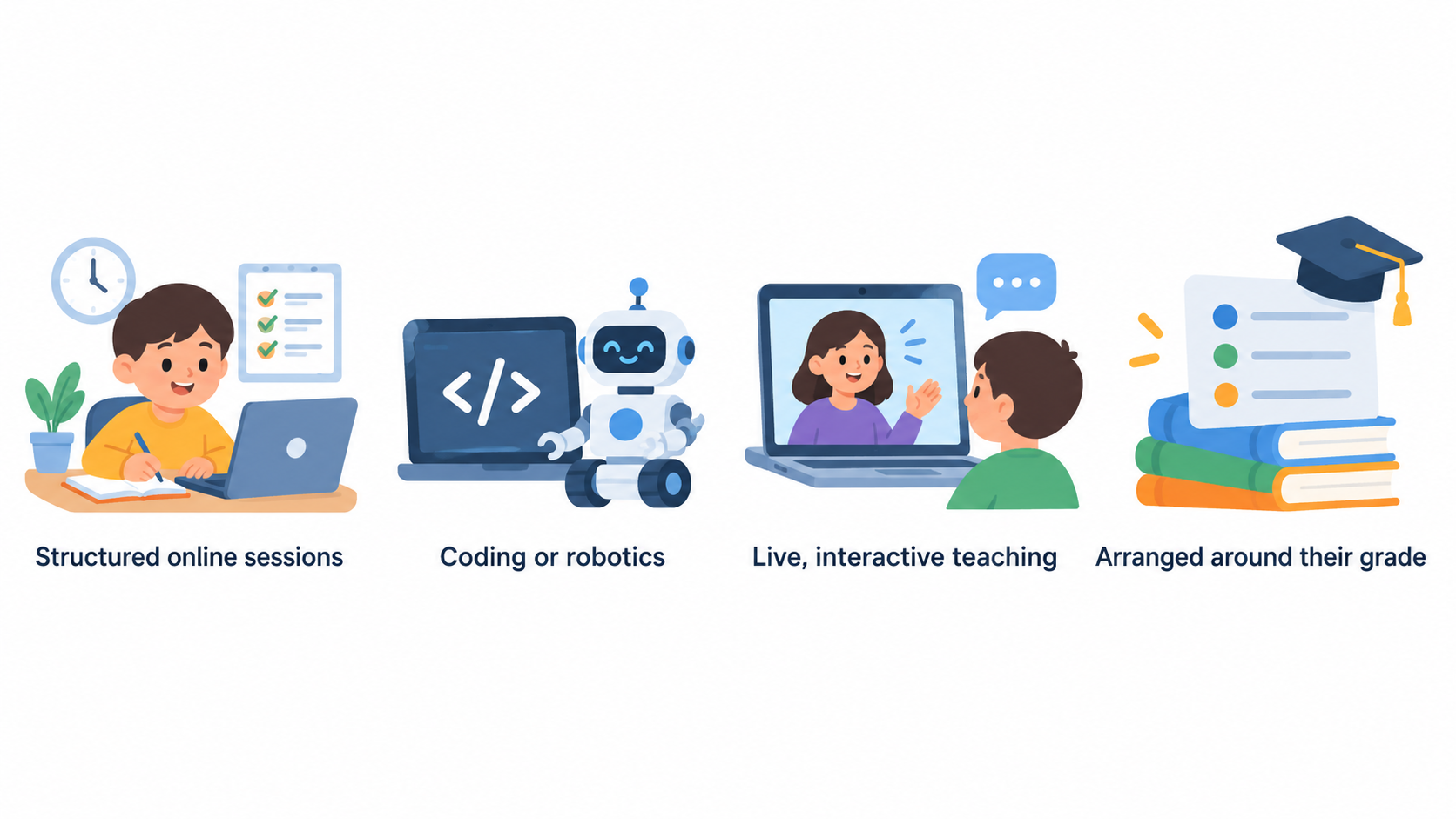
BrightCHAMPS may appeal to children who are motivated by structured online sessions and have a clear interest in one of its listed subject areas. The broad programme range gives families a way to explore technical subjects such as Coding, Robotics and Gen AI alongside Financial Literacy and core areas including Math, English and Science.
It may be a plausible option for a learner who wants an organised route into coding or robotics without relying solely on self-directed videos. It may also suit a child who responds well to live, interactive teaching and would value a course arranged around their grade. BrightCHAMPS says its sessions are tailored to the child and describes its curriculum as hands-on and curiosity-driven; these are provider statements rather than independently verified outcomes.
For teachers and school leaders, the offer may be worth investigating where the goal is enrichment, a club-style activity or an additional learning route for interested pupils. Before presenting it as a school-supported option, however, check whether the syllabus maps to the relevant year group, whether teaching times are workable, and what oversight, accessibility and reporting are available.
It may be less suitable for a buyer who needs a fully evidenced classroom intervention, a published whole-school implementation model, or independently demonstrated attainment gains. The supplied material does not establish those points. It also may not suit learners who need substantial in-person support, have limited capacity for scheduled online classes, or do not yet have a specific subject interest to pursue.
What BrightCHAMPS Says It Offers
AI-generated illustration — not a retailer product photo.
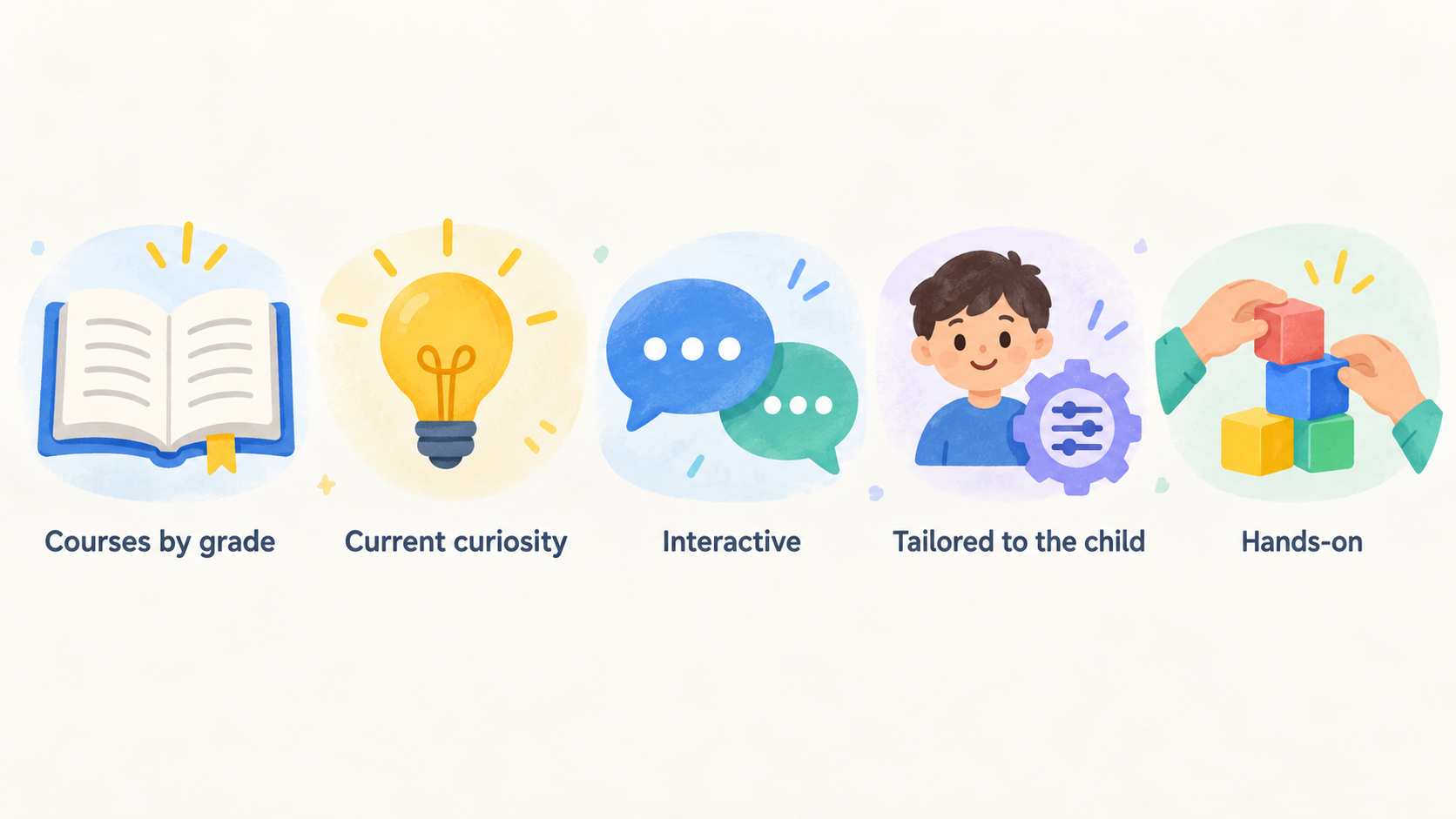
BrightCHAMPS lists seven main course areas: Coding, Robotics, Financial Literacy, Gen AI, Math, English and Science. The site also presents courses by grade, including group coding examples for Grade 1. This range can help a family start with an area that matches a child’s current curiosity rather than treating every learner as a prospective coder.
The provider describes its learning sessions as interactive and tailored to the child. It says that its curriculum is designed by IIT and MIT alumni, and characterises the approach as fun, hands-on and curiosity-driven. It also says learners have access to world-class educators, with a claim that they are drawn from the top 1% globally. These are BrightCHAMPS’ descriptions of its own model, so buyers should ask how teacher selection, training and matching operate in the particular course they are considering.
Beyond lessons, BrightCHAMPS promotes global hackathons and contests, webinars with global experts, scholarships and real-world exposure. It also advertises STEM-accredited learning pathways, Harvard ManageMentor® access and credentials intended for learner portfolios. These possibilities could be attractive to a child seeking projects or a sense of progression, but availability, eligibility and relevance may vary by programme, grade and location. Confirm the exact inclusions before treating them as part of a purchase decision.
The site says BrightCHAMPS is available across devices and promotes a free demo. Use that demo to see how the live format feels, whether the lesson pace is appropriate and whether the subject content matches the child’s level. Ask to see a representative lesson or curriculum outline rather than relying on broad marketing language.
What to Check Before You Buy
The supplied official evidence gives a useful overview of BrightCHAMPS’ stated subject range and learning model, but it does not answer every practical purchasing question. In particular, it does not establish course prices, UK-specific availability, lesson frequency, class size, teacher allocation, accessibility support, school implementation arrangements or independently measured learning outcomes. Ask for current written details for the precise course and learner before paying.
Safeguarding and supervision deserve separate attention. BrightCHAMPS’ terms say that its services may include live classes, communications and other interactions through the platform. They state that, where required by applicable law, services are intended to be used with a parent or legal guardian’s supervision and consent, and that parents and guardians are responsible for monitoring minors’ use, including live-class participation, communications and interactions.
That makes it important for family buyers to understand what supervision they will be expected to provide. School leaders should also ask how the provider’s arrangements align with their own safeguarding policy, staff responsibilities and parental-consent procedures. Request the current safety, professional standards, privacy and children’s-data policies that apply to the intended use case.
Finally, check the commercial terms before enrolment: the total price, what is included, payment schedule, cancellation and refund conditions, trial or demo terms, and any requirements for devices or internet access. A clear answer in writing is more valuable than an assumption based on a promotional page.
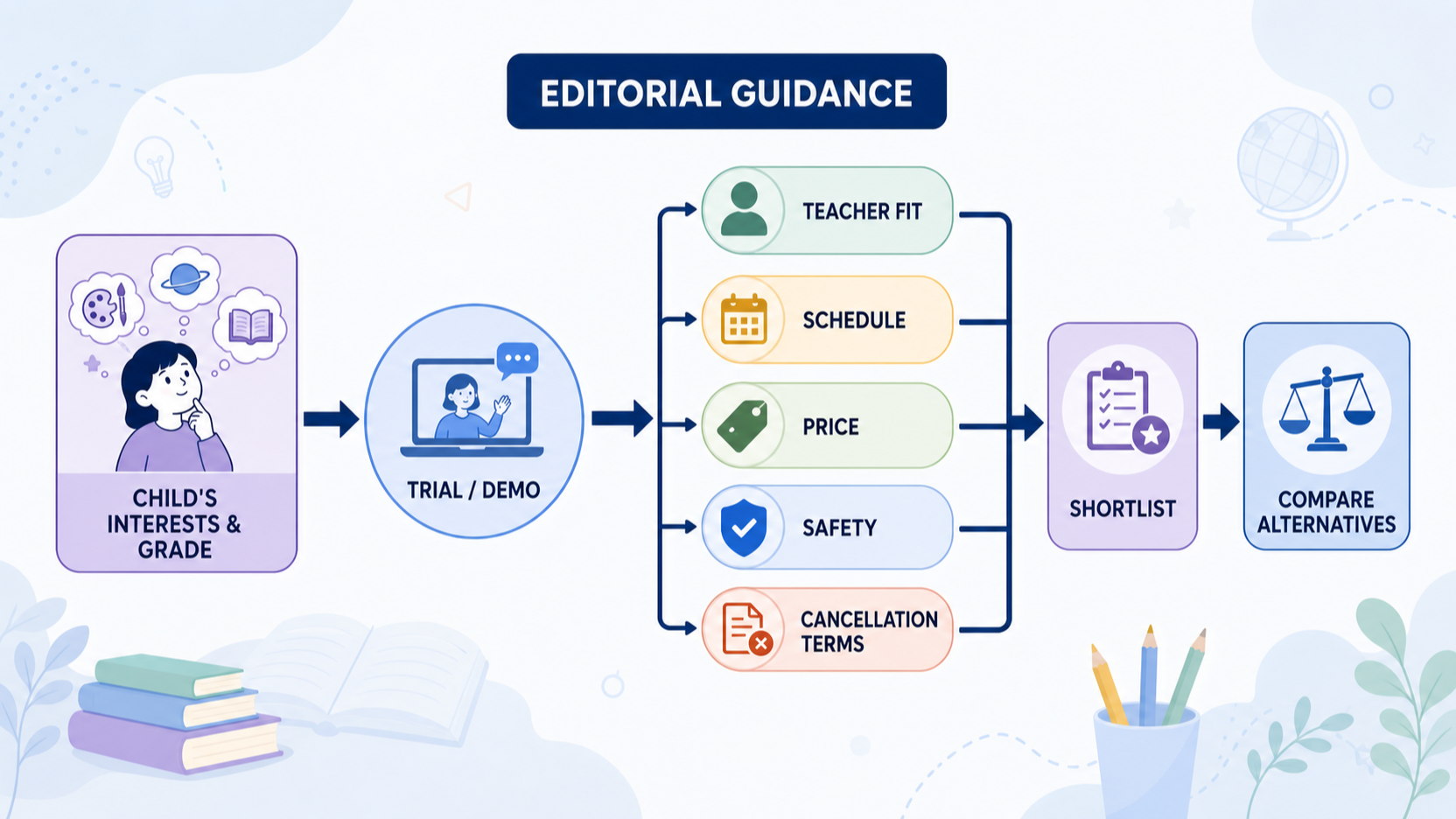
How to Decide Whether to Shortlist BrightCHAMPS
Start with the learner, not the brand. Choose one or two outcomes that matter now: building confidence in coding, exploring robotics, practising maths, developing English communication, or learning basic financial concepts. Then ask whether the listed course, grade level and format directly support that outcome.
Next, use a free demo or an equivalent pre-enrolment conversation to assess fit. Check the lesson format, teacher interaction, likely pace and the child’s willingness to take part online. A positive first session can justify further comparison; it should not remove the need to review terms and safeguards.
For families, shortlist BrightCHAMPS when the course content seems appropriate, the child is comfortable with the delivery format, and the price and cancellation arrangements are clear. Confirm who supervises live activity, how questions or concerns are handled, and what information the provider collects about children.
For schools, add a further layer: curriculum relevance, staff workload, safeguarding compatibility, accessibility, procurement terms and the evidence needed for the intended educational purpose. If a programme is being considered for more than an individual family, ask for documentation that can be reviewed by the relevant safeguarding, data-protection and curriculum leads.
Compare these answers with at least one alternative. BrightCHAMPS may be worth a shortlist where its subject breadth and interactive online model match the learner’s goals. Skip or defer it where the provider cannot give clear, current answers on practical delivery, safety, cost or suitability.
Frequently Asked Questions
What subjects and programmes does BrightCHAMPS list?
BrightCHAMPS lists Coding, Robotics, Financial Literacy, Gen AI, Math, English and Science. Its site presents courses by a child’s grade and includes examples of group coding courses for Grade 1. Check the current catalogue for the exact grade, subject and course format you need.
For a school or family comparison, turn that catalogue check into a short checklist: confirm the learner’s grade band, the stated learning goal, whether the course is group-based or another format, and what a typical session asks the child to do. It is also sensible to note which subject is the real priority rather than selecting on a broad “future skills” label alone. A coding course, for example, may suit a different starting point from a robotics or financial-literacy course. Keep a record of the course title and the date you checked it, because catalogues can change.
Is BrightCHAMPS intended for children to use independently?
Not necessarily. BrightCHAMPS’ terms say that services are intended to be used under a parent or legal guardian’s supervision and consent where applicable law requires it. They also place responsibility on parents and guardians for monitoring minors’ use, including live classes, communications and platform interactions. Ask what supervision is expected for the specific course.
In practice, families and schools can decide in advance who will be available at the start of a session, how a child can raise a concern, and how any messages or platform activity will be overseen. This is particularly useful where a learner is new to live online teaching or needs additional support to participate confidently. Do not assume that the same arrangement will suit every age group or setting; ask for the expectations that apply to the selected course.
Can schools and families confirm pricing, safeguarding, and suitability before enrolling?
They should. The supplied evidence does not set out all current prices, UK-specific operating details or course-level safeguarding arrangements. Use a demo to assess teaching fit, then request written confirmation of price, cancellation and refund terms, safety policies, privacy arrangements, supervision expectations and the course’s suitability for the intended learner or school setting.
A useful written follow-up can also ask what information the provider needs in order to assess a learner’s needs, who the point of contact will be, and where the relevant policies can be reviewed. Schools may want internal approval from the appropriate safeguarding, data-protection and procurement colleagues before committing. Families can compare the answers with their budget, timetable and the child’s confidence using online services. If an answer is unclear, treat that as a reason to pause and seek clarification rather than filling the gap with assumptions.
Sources
Related reading
- Best K-12 classroom learning tools: evidence-led top choices
- BrainPOP vs BrightCHAMPS: which is the better fit
- Brighterly review: practical buying assessment
- How to choose K-12 classroom learning tools for your needs
Editorial information: About our editorial team · Read our editorial policy · Read our affiliate disclosure.